Weather Fusion User Guide
Weather Fusion User Guide
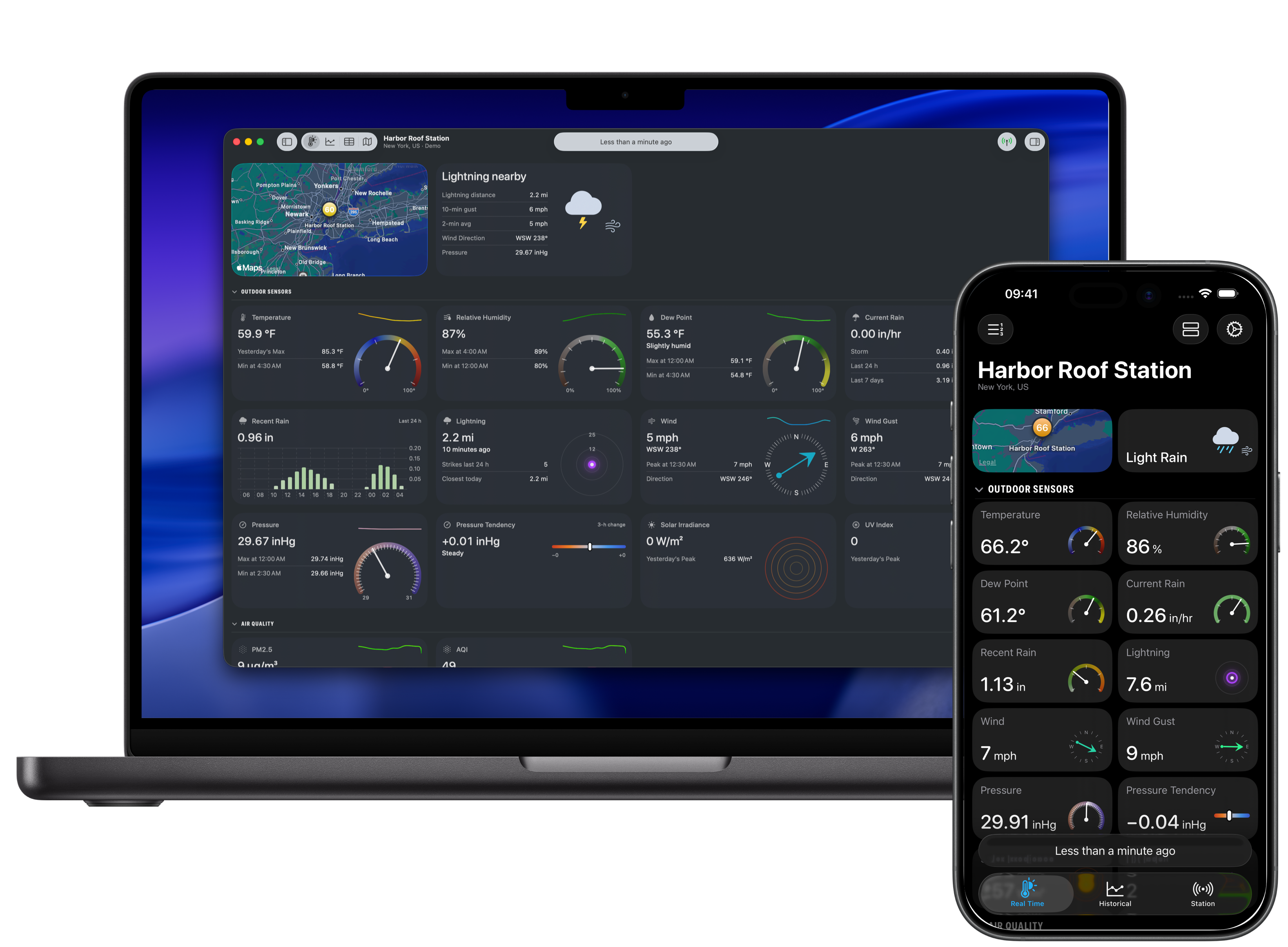
Weather Fusion presents real-time conditions, historical records, maps, and detailed observations from personal weather stations and public airport reports in a native app for iPhone, iPad, and Mac. Personal stations connect through a supported cloud service or, for compatible hardware, over the local network. Airport (METAR) provides public aviation observations without provider credentials.
Get started
On the Start Screen, connect a personal weather station or add an airport. The weather stations and airports reference lists supported hardware, connection requirements, and public airport coverage.
To look around before connecting a station, explore Weather Fusion with Demo Mode.
Browse the guide
- Browse Real Time, Historical, Observations and data, Stations, Map, Settings, and Troubleshooting for task-focused instructions.
- Reference documents views, cards, charts, measurements, providers, settings, platforms, and keyboard shortcuts.
- How Weather Fusion Works explains data retrieval, summaries, availability, backups, and iCloud sync.